Physical Address
304 North Cardinal St.
Dorchester Center, MA 02124
Physical Address
304 North Cardinal St.
Dorchester Center, MA 02124

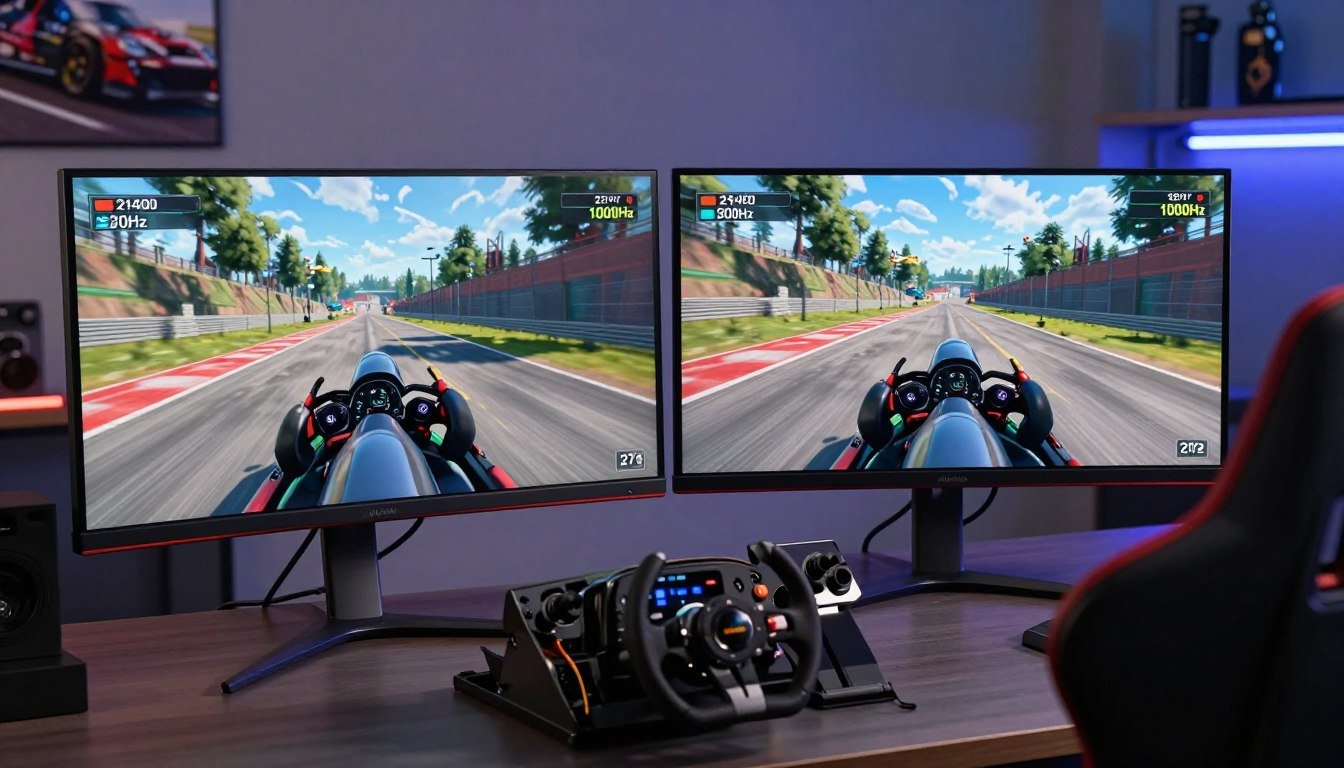
Discover the ideal sim racing monitor. Learn if 32" or 27" is better, and whether you need 240Hz or 1000Hz for sim racing.
Did you know that a good gaming monitor can significantly enhance your immersion in sim racing? With the vast array of monitors available, choosing the right one for your setup can be overwhelming.
When it comes to sim racing, the right monitor can make all the difference in your experience. The size and refresh rate of the monitor are crucial factors that impact your field of view and overall gaming experience.
In this article, we’ll compare the most important aspects of sim racing monitors to help you make an informed decision for your setup. We’ll examine the differences between 32″ and 27″ monitors and explore cutting-edge refresh rate technology.
A great sim racing monitor is more than just a display; it’s a key to competitive edge. Your monitor choice directly influences your sim racing experience, affecting everything from the smoothness of the visuals to the responsiveness of the controls.
The monitor you choose for sim racing significantly impacts your immersion in the game. A high-quality monitor with the right features can transport you into the heart of the action, making you feel like you’re actually on the track. High refresh rates and low response times are crucial for reducing motion blur and ensuring that the visuals keep up with your fast-paced racing maneuvers.
For instance, a monitor with a refresh rate of 240Hz provides a much smoother experience compared to a standard 60Hz monitor. This is particularly important in sim racing, where every millisecond counts.
When selecting a monitor for competitive sim racing, several features stand out as essential. These include:
| Feature | Importance for Sim Racing | Recommended Setting |
|---|---|---|
| Refresh Rate | High | 144Hz or higher |
| Response Time | High | 1ms or lower |
| Adaptive Sync | High | G-Sync or FreeSync |
| Panel Type | Medium | IPS for color accuracy |
By focusing on these essential features, you can significantly enhance your sim racing experience. Whether you’re a casual racer or a competitive sim racer, the right monitor can make all the difference.
For sim racers, selecting between a 32-inch and a 27-inch monitor involves weighing the benefits of immersion against practical considerations. Your choice will significantly impact your racing experience, from the level of detail you can see on the track to how easily you can take in your surroundings.
A 32-inch monitor offers a wider field of view, enhancing your immersion in the sim racing experience. This larger screen size allows for a more engaging experience, making you feel as if you’re actually in the cockpit. With a bigger display, you can enjoy more detailed graphics and a broader perspective on the track.
The increased screen real estate means you can see more of the track and your surroundings without needing to move your head as much, potentially improving your reaction times and overall performance.
While 32-inch monitors offer a more immersive experience, 27-inch monitors have their own advantages, particularly for those with limited space or on a tighter budget. Three 27-inch monitors can provide an ideal balance between immersion and practicality for a triple-monitor setup.
These smaller monitors are also more budget-friendly, typically costing 20-30% less than their 32-inch counterparts with similar specifications. Additionally, the higher pixel density on 27-inch 1440p monitors results in a sharper image, making track details more visible.
For competitive sim racers, 27-inch monitors can be particularly appealing as they allow you to keep the entire display within your field of vision without moving your head, potentially enhancing your reaction times.
The quest for the ultimate sim racing experience often leads enthusiasts to wonder if a 1000Hz monitor is within reach. Currently, the market is dominated by monitors with refresh rates up to 240Hz, leaving a gap for higher refresh rates like 1000Hz.
The development of 1000Hz display technology is still in its infancy. While theoretically possible, the practical implementation faces significant challenges, including the need for advanced hardware capable of producing 1000 frames per second (FPS) in graphically intensive simulations.
Most modern monitors top out at 240Hz, a standard that’s become popular among gamers and sim racers alike. The jump to 1000Hz would require substantial advancements in both monitor technology and the hardware that drives it.
For sim racers, the primary benefit of a 1000Hz monitor would be the reduction of input lag to just 1ms between frames, compared to 4.17ms at 240Hz. However, the human eye’s ability to perceive such a difference is limited, and most users wouldn’t notice a significant improvement during actual racing conditions.
The smoother motion representation could be beneficial when tracking fast-moving objects, but the processing power required to generate 1000 FPS is beyond what most current systems can handle. Thus, for most sim racers, investing in a better field of view, more accurate controls, or higher resolution displays might be more beneficial than chasing a 1000Hz monitor.
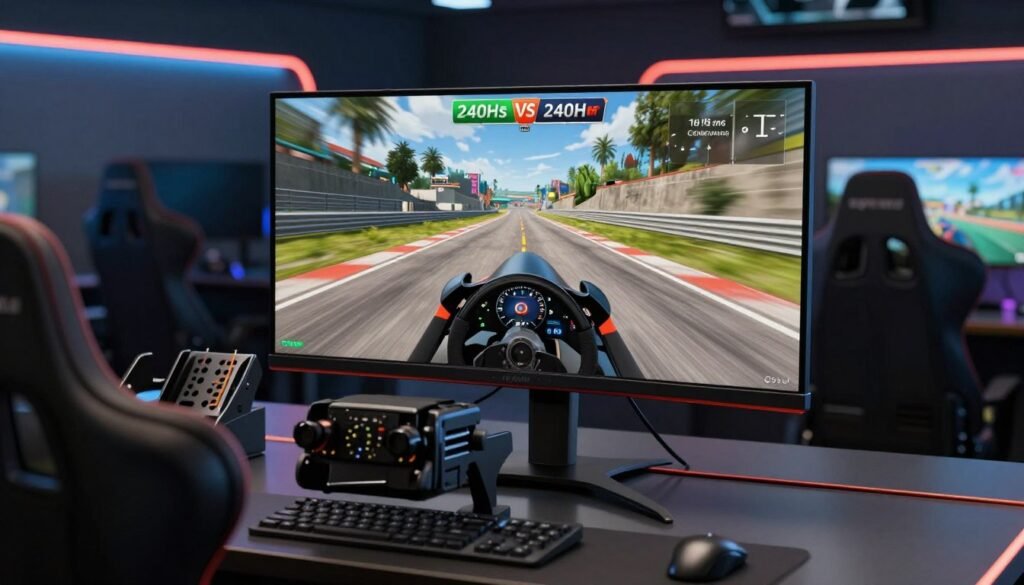
Sim racers often wonder if a 240Hz monitor is necessary for their gaming needs. The answer depends on several factors, including your GPU performance, the type of sim racing titles you play, and your personal preference for frame rates.
The difference between 144Hz and 240Hz refresh rates can be noticeable, especially in fast-paced racing games. At 240Hz, the image appears smoother, reducing motion blur and enhancing the overall gaming experience. However, the extent to which you can perceive this difference depends on your hardware and the specific sim racing game you’re playing.
Running sim racing titles at 240 frames per second requires significantly more GPU power than 144 fps. This often forces compromises in visual quality settings or resolution to maintain consistent performance. For instance, popular sim racing titles like iRacing, Assetto Corsa Competizione, and rFactor 2 have varying optimization levels, with some struggling to maintain 240 fps even on high-end hardware when using realistic graphics settings.
The GPU requirements for 240Hz become even more demanding in triple-monitor setups, where your graphics card must render three times the pixels at that high frame rate. For most sim racers, the performance sweet spot lies around 144Hz, which balances smooth motion with the ability to maintain high visual quality settings without requiring absolute top-tier hardware.
If you’re choosing between 240Hz and higher resolution or better visual effects, most racing simulations benefit more from the improved visual clarity than from the incremental smoothness of extremely high refresh rates. Therefore, it’s essential to weigh your priorities and consider what’s most important for your sim racing experience.
Choosing the right monitor for sim racing involves understanding the different panel technologies available. The type of panel used in a monitor can significantly affect the visual quality and overall experience of sim racing.
When it comes to sim racing, the debate between IPS, VA, and OLED panels is ongoing. IPS (In-Plane Switching) panels are known for their color accuracy and wide viewing angles, making them suitable for sim racing where vibrant colors and clarity are important. VA (Vertical Alignment) panels offer high contrast ratios, which can enhance the visual experience by providing deeper blacks. OLED (Organic Light-Emitting Diode) panels, on the other hand, are renowned for their perfect blacks and fast response times, making them ideal for fast-paced sim racing environments.
For sim racers, OLED technology stands out due to its superior contrast and response time. However, the choice between these technologies also depends on factors like budget and specific sim racing requirements. For instance, if you’re looking for a monitor that handles well in brightly lit rooms, IPS might be a better choice due to its generally higher brightness levels.
Recent advancements have introduced new contenders in the monitor panel technology arena: Mini-LED and QD-OLED. Mini-LED technology enhances traditional LCD backlighting with thousands of dimming zones, significantly improving contrast and brightness. QD-OLED combines the benefits of OLED with Quantum Dot technology, offering enhanced color volume and brightness.
For sim racers, these technologies offer compelling advantages. Mini-LED provides peak brightness exceeding 1,000 nits, which is beneficial for well-lit environments. QD-OLED, with its improved brightness and color accuracy, makes racing environments appear more vibrant and realistic. A comparison of these technologies is shown in the table below:
| Technology | Brightness (nits) | Contrast Ratio | Color Accuracy |
|---|---|---|---|
| OLED | 330 (W-OLED) | Excellent | Good |
| QD-OLED | >300 | Excellent | Excellent |
| Mini-LED | >1,000 | Very Good | Good |
As you consider the best monitor for sim racing, understanding these panel technologies can help you make an informed decision. For more information on setting up the ultimate sim racing experience, you might want to explore our guide on triple monitors for sim racing.
Choosing the right resolution for your sim racing monitor is essential for balancing visual detail and system performance. The resolution determines how many pixels your monitor displays, directly affecting image clarity and GPU requirements.
For sim racing, you’re balancing visual detail against the performance impact on your system. 1080p (1920×1080 – Full HD) is the entry point for sim racing monitors, delivering acceptable clarity on 24-inch displays and requiring less GPU power. 1440p (2560×1440 – QHD) provides significantly better clarity than 1080p while being more GPU-efficient than 4K. It’s considered the sweet spot for most sim racers, offering 78% more pixels than 1080p. 4K (3840×2160 – UHD) offers exceptional clarity, particularly on larger displays, but comes at a substantial performance cost.
When considering resolution, it’s crucial to think about your GPU’s capabilities. For instance, moving from 1080p to 1440p increases GPU demands significantly. Here’s a breakdown of GPU requirements for different resolutions:
The table below summarizes the GPU requirements for different resolutions in sim racing:
| Resolution | GPU Requirement | Example GPUs |
|---|---|---|
| 1080p (1920×1080) | Mid-range | RTX 4060, RX 7600 |
| 1440p (2560×1440) | Upper mid-range to high-end | RTX 4070, RX 7700 XT |
| 4K (3840×2160) | Flagship | RTX 4090, RX 7900 XTX |
As shown in the table, the GPU requirements increase significantly with higher resolutions. For sim racers, balancing resolution against refresh rate is crucial. Most benefit more from higher frame rates at 1440p than from the visual clarity of 4K at lower frame rates.
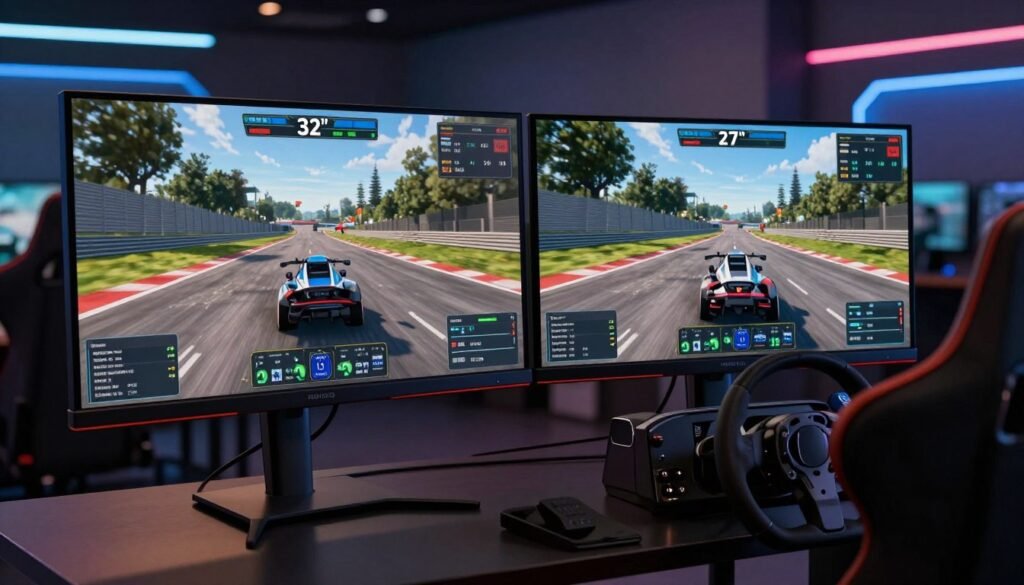
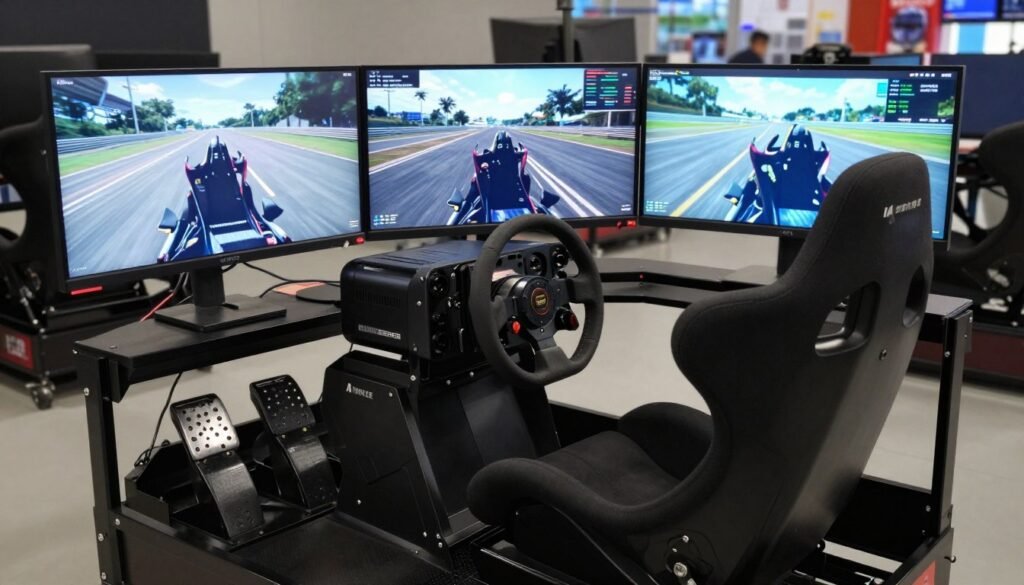
Sim racing monitor setups vary widely, with single, triple, and ultrawide configurations offering different advantages. When choosing a monitor for sim racing, you need to consider factors like field of view (FOV), immersion, and practicality.
Single monitor setups are the most straightforward and cost-effective option. They offer simplicity in setup and compatibility, as most games and sim racing titles are optimized for single-screen configurations. However, they can limit your peripheral vision and overall immersion compared to wider setups.
Triple monitor configurations provide the widest field of view, offering an immersive experience with minimal gaps between screens. This setup is ideal for those who want the most realistic sim racing experience. However, it requires a powerful GPU to handle three displays, and bezels can interrupt the view.
Ultrawide monitors, such as 34-inch 21:9 or 49-inch 32:9 displays, offer a compromise between single and triple setups. They provide an expanded horizontal FOV without the complexity of multiple displays or bezels interrupting your view. Ultrawide monitors are available in different curvatures and sizes, offering a more immersive experience than standard 16:9 displays.
The choice between single, triple, and ultrawide monitors for sim racing depends on your priorities: simplicity and cost, maximum immersion, or a balanced compromise. Consider your sim racing needs, the space available for your setup, and your budget before making a decision.
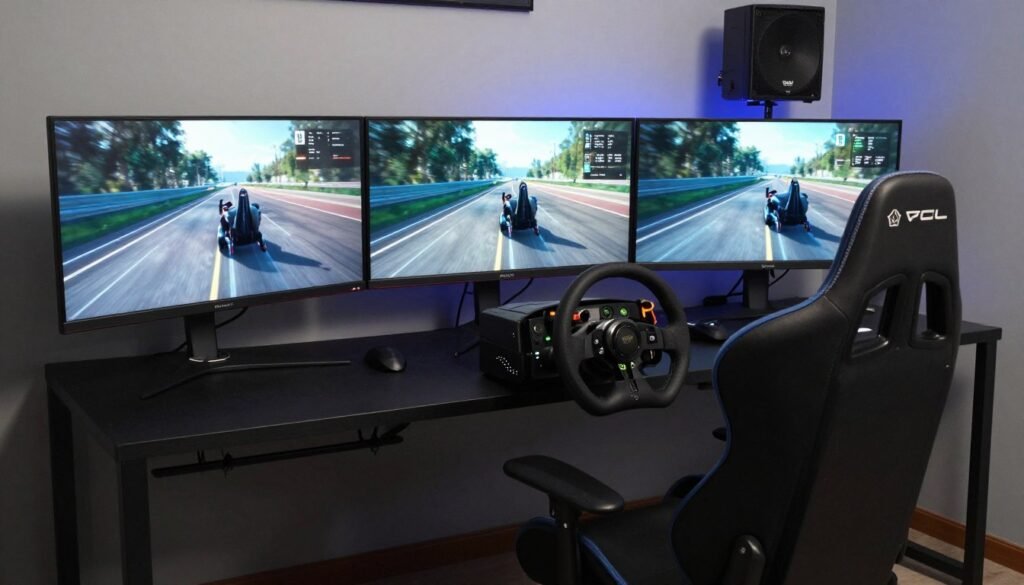
Achieving the perfect sim racing experience requires careful consideration of your monitor configuration. The right setup can significantly enhance your immersion in the game, making it feel more realistic and engaging.
The distance between you and your monitor, as well as its positioning, plays a crucial role in your sim racing experience. Ideally, you should sit at a distance that allows you to comfortably view the entire screen without straining your eyes. For a single monitor setup, a distance of about 2-3 feet is recommended. Ensure the monitor is at eye level or slightly below to reduce neck strain.
Field of View (FOV) settings are critical for a realistic sim racing experience. Different monitor types offer varying levels of FOV:
Most modern sim racing titles include FOV calculators to determine the mathematically correct settings based on your monitor size, viewing distance, and configuration.
By optimizing your monitor configuration and FOV settings, you can significantly enhance your sim racing experience, making it more realistic and enjoyable.
When it comes to sim racing, the choice between curved and flat monitors can significantly impact your racing experience. The curvature of a monitor can enhance immersion, but it’s essential to understand how different curvatures affect your sim racing setup.
Curved monitors are designed to wrap around your field of vision, providing a more immersive experience. For sim racers, this means a more engaging and realistic driving experience. Aggressive curvatures like 1000R or 1200R are particularly effective for single ultrawide monitors, as they draw you into the action. However, when using multiple monitors, a more moderate curvature is recommended to avoid distortion at the bezels.
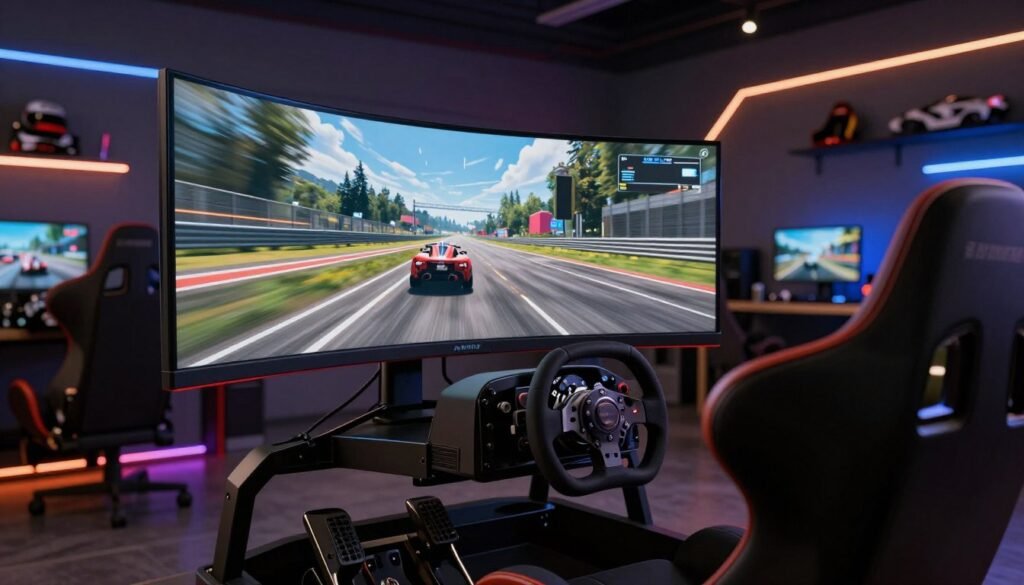
The ideal curvature rating depends on your specific sim racing setup. For single ultrawide monitors, aggressive curvatures can enhance immersion. In contrast, triple monitor setups benefit from more moderate curvatures, such as 1500R or 1800R, which create a smoother transition between displays. It’s also important to consider your viewing distance; closer positions benefit from gentler curves, while farther distances may require more aggressive curvature.
Ultimately, the choice between curved and flat monitors for sim racing depends on your specific needs and preferences. By understanding how curvature affects immersion and choosing the right curvature rating, you can create a more engaging and realistic sim racing experience.
In the world of sim racing, adaptive sync technology is a game-changer, offering a more immersive gaming experience. This technology synchronizes your monitor’s refresh rate with your GPU’s frame output, eliminating screen tearing and providing a smoother visual experience.
There are two main adaptive sync technologies: Nvidia G-Sync and AMD FreeSync. Let’s dive into their performance comparison.
Both G-Sync and FreeSync work to eliminate screen tearing, but they have some differences. G-Sync typically requires a more powerful GPU to maintain high frame rates, while FreeSync is more flexible and can work with a wider range of hardware. In terms of performance, both technologies provide a tear-free experience, but G-Sync is often considered more premium due to its proprietary hardware requirements.
Screen tearing occurs when your monitor displays portions of multiple frames simultaneously, creating a distracting visual effect. Adaptive sync technology eliminates this issue by synchronizing the refresh rate with the GPU’s frame output. For optimal performance, it’s recommended to pair adaptive sync with frame rate limiters set slightly below your maximum refresh rate (e.g., 142fps cap on a 144Hz display).
By combining adaptive sync technology with a high-quality sim racing monitor, you can enjoy a more immersive gaming experience with reduced screen tearing and improved overall visuals.
For sim racers on a budget, there are several excellent monitor options that won’t compromise on performance. When looking for a great sim racing monitor under $300, you need to consider factors like display quality, panel technology, and refresh rate.
Two standout options in this price range are the AOC CU34G2X and the MSI G32CQ4 E2. Let’s dive into what makes these monitors ideal for sim racing on a budget.
The AOC CU34G2X is an excellent choice for those looking for an ultrawide monitor without breaking the bank. With its 34-inch curved VA panel, 144Hz refresh rate, and 1ms response time, it provides a smooth and immersive racing experience.
The MSI G32CQ4 E2 offers excellent value at under $300, featuring a 32-inch curved VA panel with 1440p resolution and 170Hz refresh rate. Its VA panel technology delivers superior contrast ratios (3000:1) compared to IPS alternatives, creating deeper blacks that enhance cockpit details and night racing scenarios.
With 1ms MPRT response time and adaptive sync support, the monitor provides smooth motion clarity essential for tracking fast-moving objects during intense racing. For budget-conscious sim racers looking to build a triple-monitor setup, three of these monitors provide an excellent balance of performance and value compared to more expensive alternatives.
Sim racing monitors in the $300-$700 range provide a sweet spot for those seeking quality without breaking the bank. This price bracket offers a variety of features that can enhance your sim racing experience, including higher refresh rates, faster response times, and advanced panel technologies.
The Samsung Odyssey G5 is a notable mid-range sim racing monitor that offers balanced performance for gamers. With its 144Hz refresh rate and 1ms response time, it provides smooth and responsive gameplay. The monitor’s QHD resolution (3440×1440) on a 34-inch ultrawide screen delivers an immersive experience.
The ASUS ROG Strix XG349C represents the premium end of the mid-range category, featuring a 34-inch ultrawide IPS panel with a 3440×1440 resolution and 180Hz refresh rate. Its Nano IPS technology delivers superior color accuracy and viewing angles. The monitor is NVIDIA G-Sync certified, ensuring flawless variable refresh rate performance across its 48-180Hz range.
The XG349C also includes DisplayHDR 400 certification, providing modest HDR capabilities that enhance lighting effects in compatible racing titles. The ergonomic stand offers height, tilt, and swivel adjustments, making it easy to position the monitor optimally for your sim racing setup.
For serious sim racers, investing in premium monitors is crucial for an immersive experience. These high-end displays offer advanced features such as higher refresh rates, faster response times, and superior panel technologies like OLED. When choosing a premium sim racing monitor, you have several options to consider, including super ultrawide and triple monitor setups.
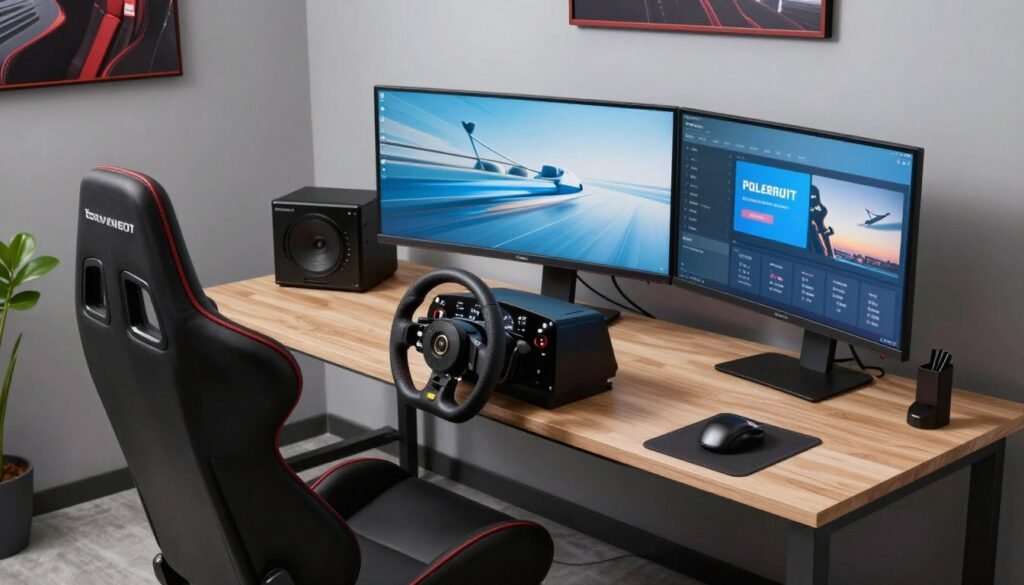
The Samsung OLED G9 represents the pinnacle of sim racing display technology with its super ultrawide format. This monitor boasts an impressive OLED panel that delivers exceptional color accuracy and contrast. With its high refresh rate and fast response time, it’s ideal for competitive sim racers who demand the best performance.
The OLED G9’s ultrawide screen provides an immersive field of view, drawing you into the racing action like never before. While it comes with a premium price tag, the Samsung OLED G9 is a top choice for those seeking the ultimate sim racing experience.
For sim racers who prefer a triple monitor setup, the LG Ultragear 27GR95QE is an excellent choice. This monitor features a 27-inch WOLED panel with a 2560×1440 resolution and 240Hz refresh rate, ensuring smooth and detailed visuals. The near-instantaneous 0.03ms response time further enhances the racing experience by reducing motion blur.
For a truly immersive sim racing experience, configuring triple monitors is essential. This setup provides a wider field of view, closely mimicking the experience of being in a real race car.
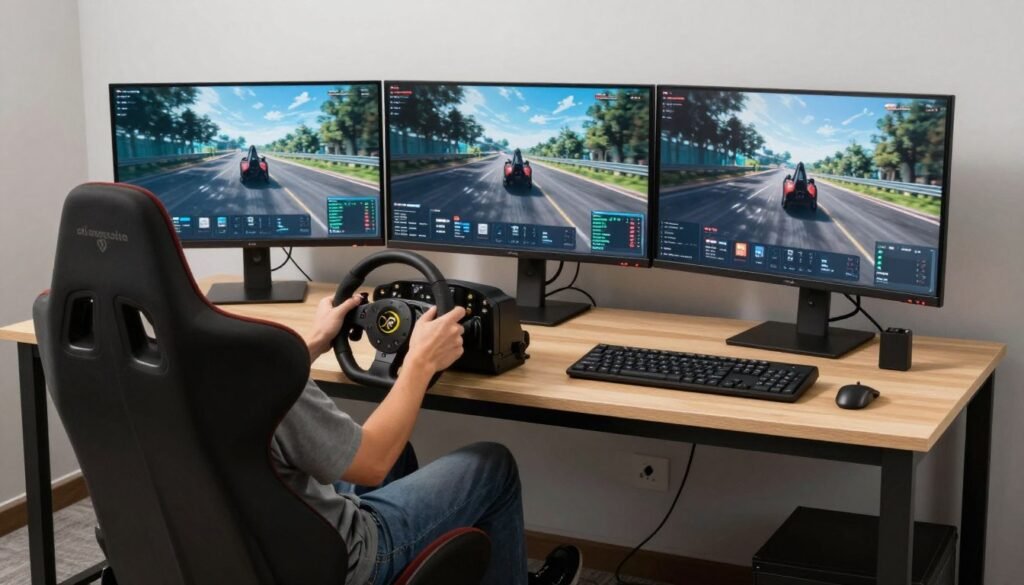
To set up triple monitors, you’ll need three identical monitors, a powerful GPU to handle the increased graphics load, and a sturdy mounting system. Triple 32-inch monitors at a 70cm viewing distance can achieve approximately 165° horizontal FOV, providing natural spatial awareness and a better sense of speed.
The mounting system is crucial for maintaining the correct alignment and viewing distance. Consider using a dedicated triple monitor mount that allows for adjustments in monitor positioning and angle.
Proper software configuration is critical for a seamless triple monitor experience. Most modern racing simulators offer dedicated triple-screen setup options in their graphics settings. Bezel compensation settings adjust the rendered image to account for the physical space occupied by monitor bezels, creating a continuous view.
With so many options available, finding the best sim racing monitor can be overwhelming, but by focusing on your specific needs, you can make an informed decision. The ideal sim racing monitor depends on various factors, including your budget, available space, and personal preferences.
When it comes to size, 32-inch displays provide better immersion for single-screen setups, while 27-inch monitors work better in space-constrained environments or triple configurations. Refresh rate is another crucial aspect, with most sim racers finding the sweet spot at 144-165Hz. While 1000Hz monitors remain largely experimental, the difference between 144Hz and 240Hz may not be as significant as other aspects of your setup.
Your budget significantly impacts your options, ranging from capable choices under $300 to premium ultrawide and OLED displays exceeding $1,000. To maximize immersion, proper configuration is key, including correct FOV settings, optimal positioning, and appropriate in-game settings. For those building their first dedicated sim racing rig, starting with a quality 32-inch curved 1440p monitor at 144Hz or higher provides an excellent foundation.
As monitor technology continues to evolve rapidly, focus on the features that most impact your racing experience rather than chasing specifications that may not provide meaningful benefits. By considering these factors, you can find the perfect sim racing monitor to enhance your overall experience.

[…] racing hardware has reached new heights. It’s all about realism and top-notch performance. The sim racing hardware market has grown a lot. This is thanks to new tech and a bigger demand for better racing […]